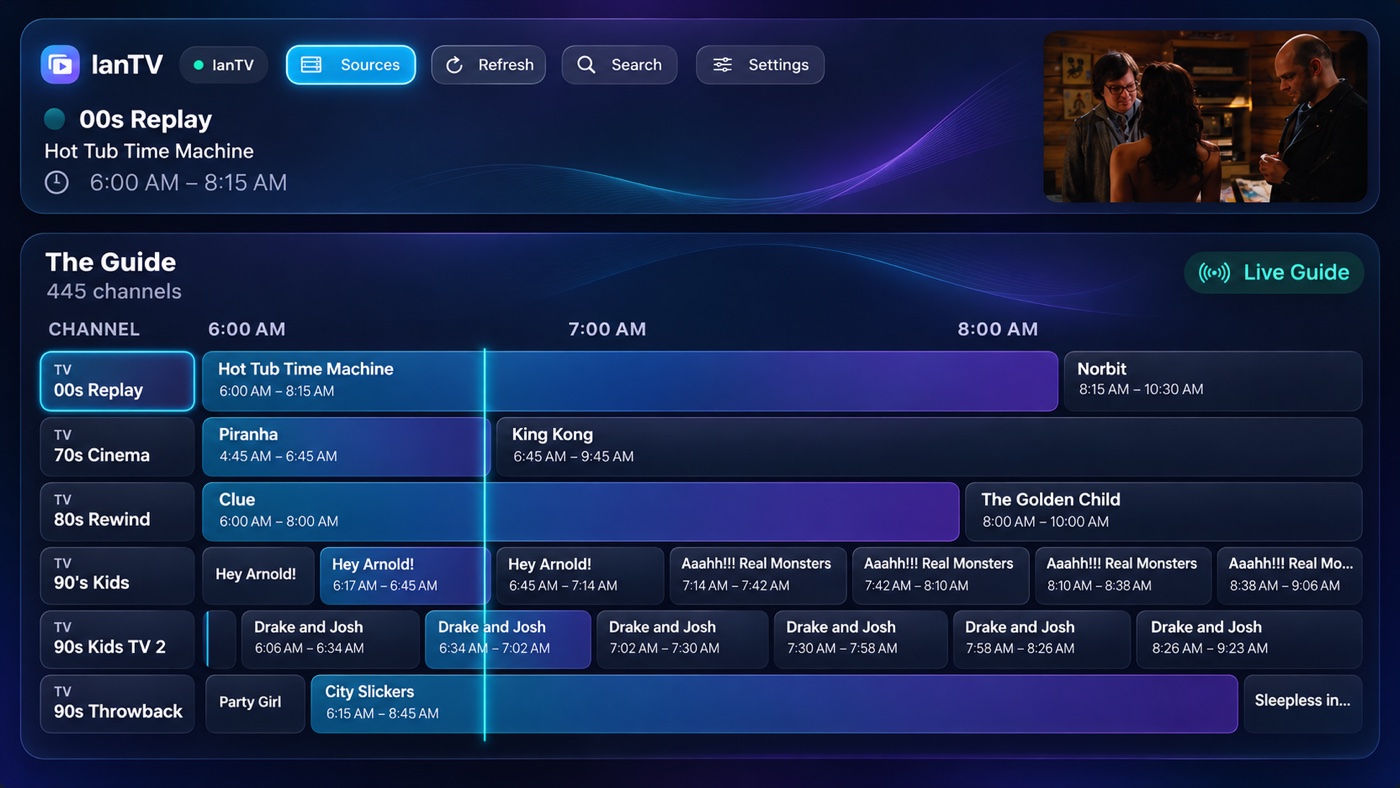
One guide.
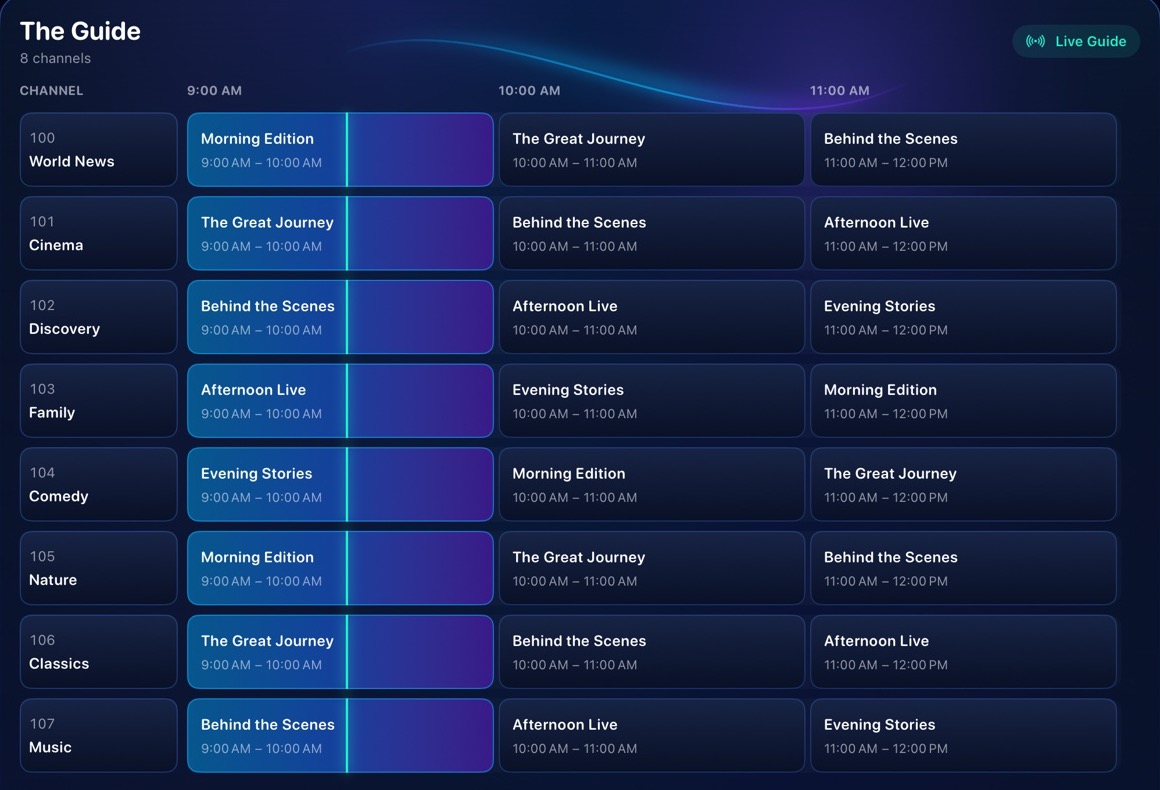
Browse schedules from all your playlists and tuners together.

 lanTV
Bring your playlists, tuners, and recordings together. Browse one guide and watch across all your Apple screens at home.
Browse schedules from all your playlists and tuners together.
Play live TV and recordings on Mac, iPhone, iPad, and Apple TV.
Schedule a show on a connected device. Your Mac handles the recording.
A simple setup connects your TV sources and your screens.
Connect an XMLTV guide, an IPTV playlist, or an HDHomeRun tuner.
Combine schedules, choose channels, and share the guide on your network.
Discover your Mac, browse the guide, and stream live TV directly from its source.
A native guide for each screen, from your pocket to the living room.
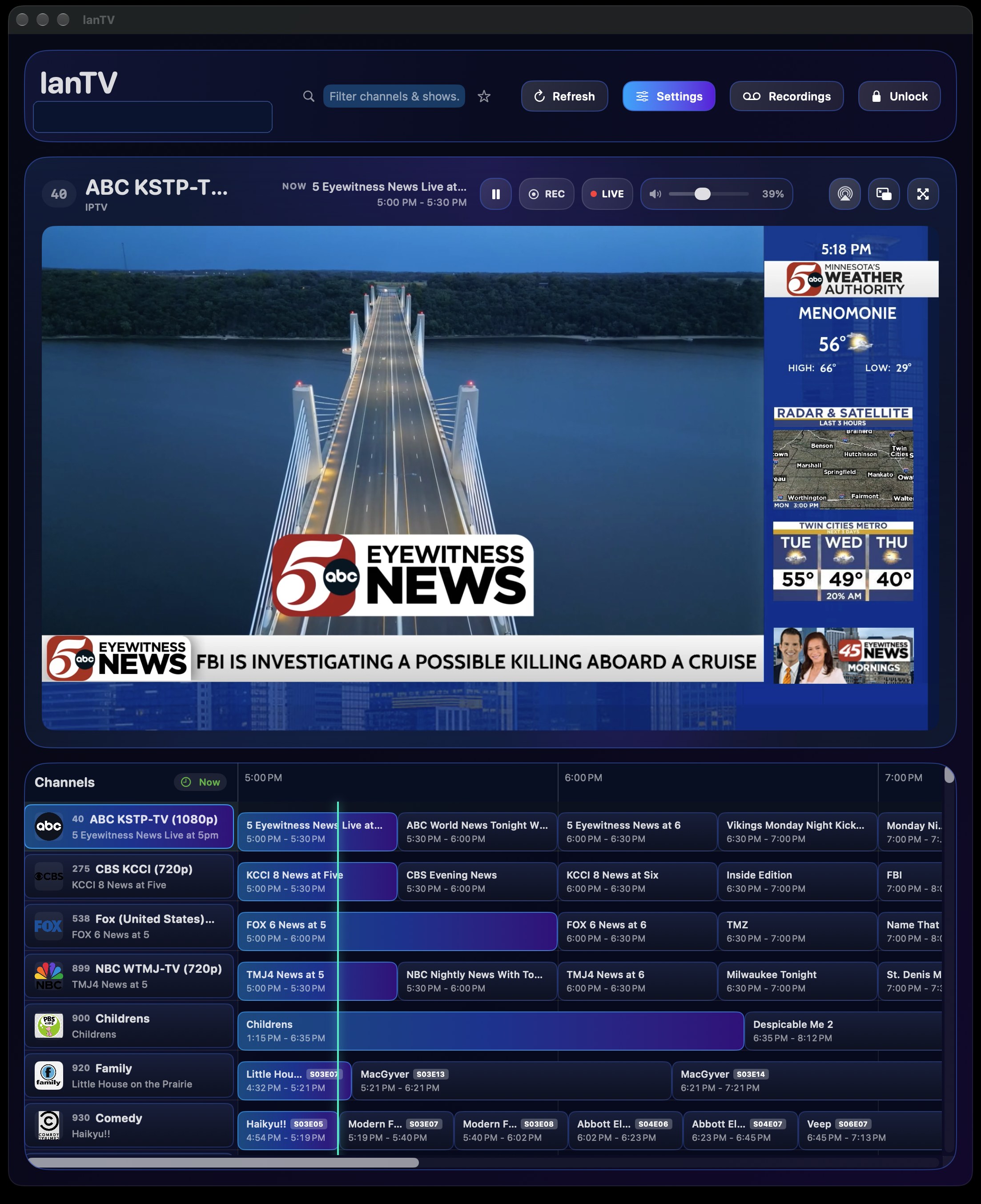
Manage your guide, channels, and recordings, or pop the player into a floating window.
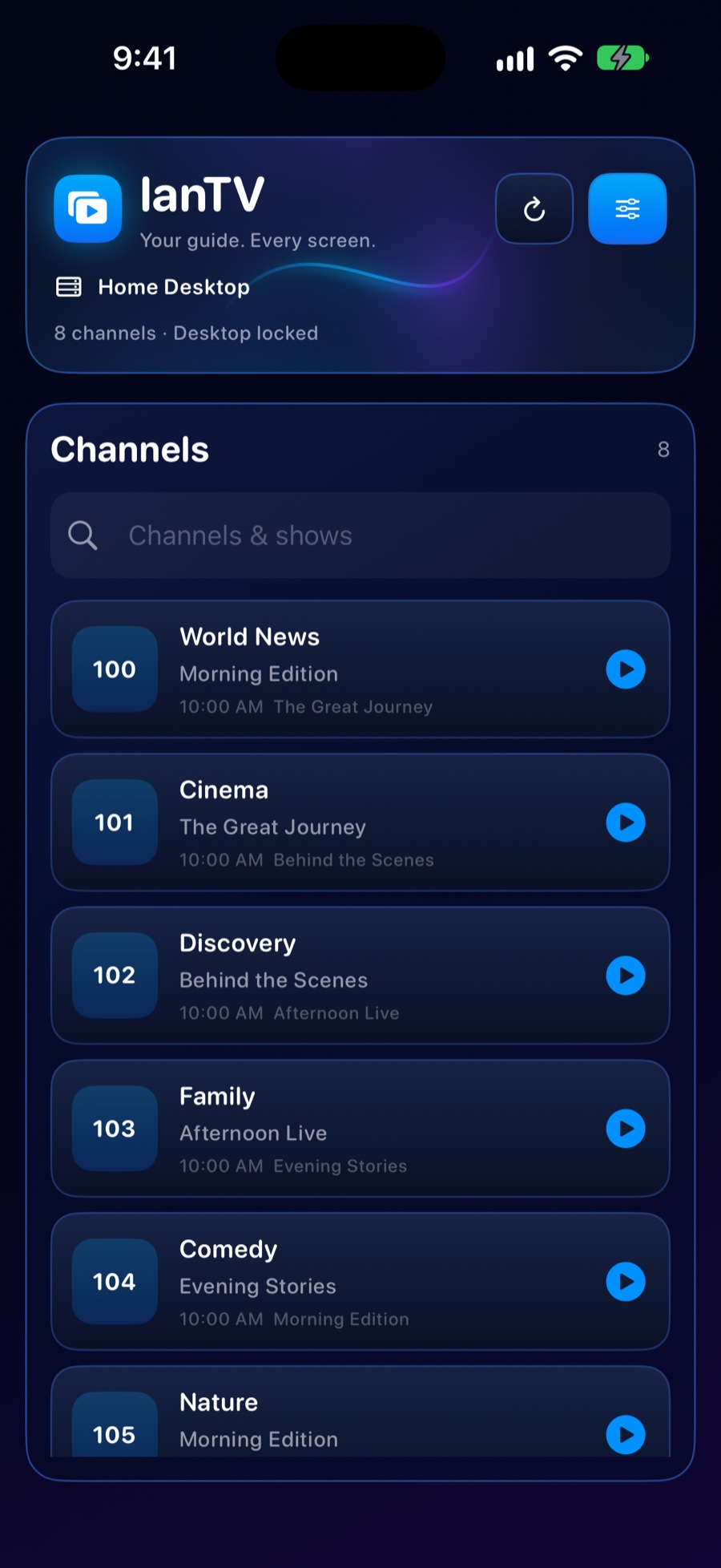
Find a channel, watch full screen, and download recordings for later.
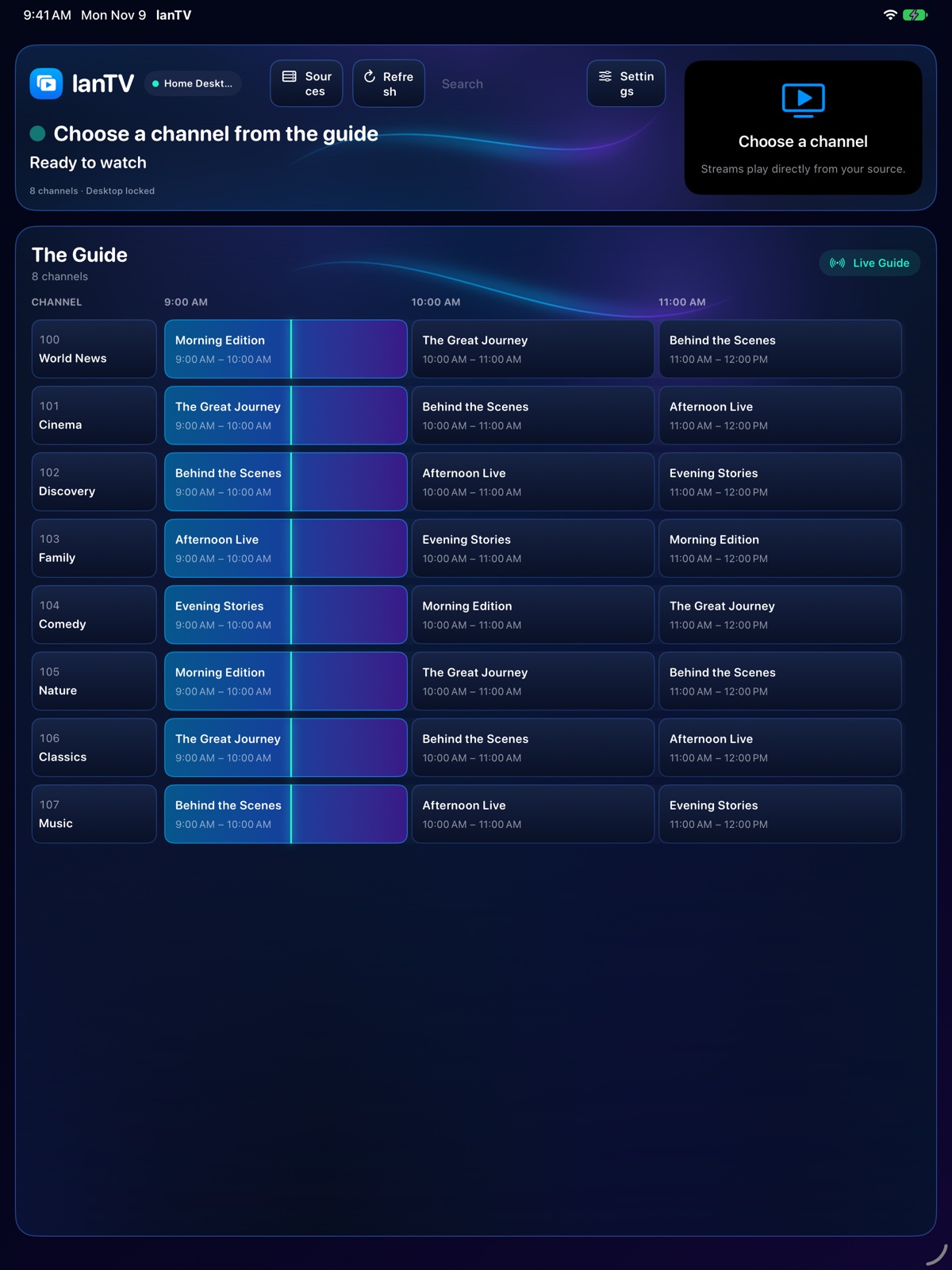
See the timeline in landscape, or keep the player above the guide in portrait.
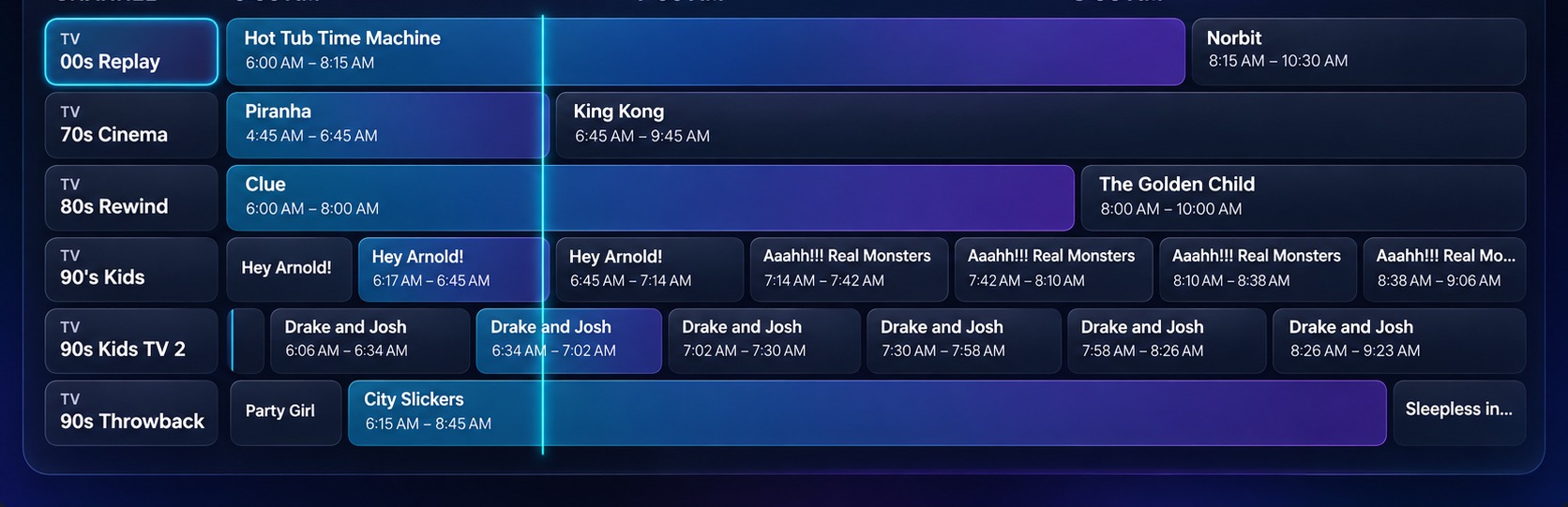
Browse with the remote. Select the playing show again to go full screen.
Schedule from the guide. Stream finished recordings from your Mac.
Take downloads with you and browse the cached guide offline.
Hide channels, keep local favorites, or sync them from your Mac.
Play compatible streams on an AirPlay receiver.
Approve unlock requests on your Mac or an authorized mobile device.
Add listings and configure each channel’s stream URL.
Load channels from an existing IPTV playlist.
Watch live TV from a tuner on your network.
Fill missing schedules with external guide providers.
Explore the code, contribute, or learn how lanTV works on GitHub.
Set up lanTV on the Apple devices you already own.
Get lanTV on GitHub